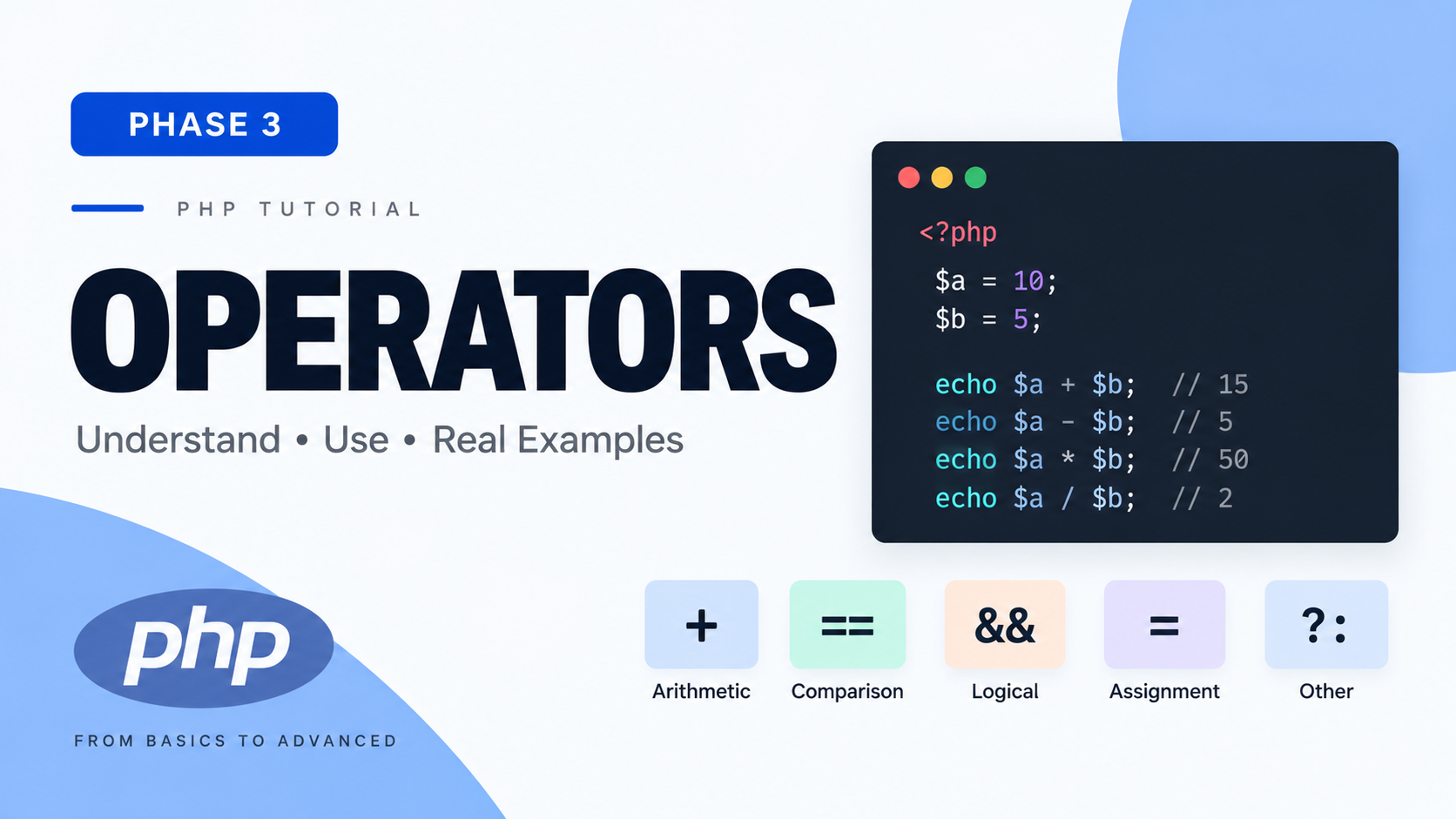
Phase 3 — Operators
1. What Is It?
An operator is a symbol that tells PHP to perform a specific operation on one or more values (called operands), producing a result.
2. Why Does It Exist?
Variables and literals alone just hold data — operators are how you actually do something with that data: combine numbers, compare values, chain logical conditions, build strings. Without operators, a program could store information but never transform or reason about it.
3. How It Works (Conceptual)
When PHP encounters an expression like $a + $b, it evaluates both operands to their current values, then applies the operation associated with +, producing a new value — which itself can be stored, compared, or used in a further expression. Operators are one of the building blocks of expressions (anything that evaluates to a value), which combine to form statements.
Arithmetic Operators
| Operator | Meaning | Example | Result |
|---|---|---|---|
| + | Addition | 5 + 3 | 8 |
| - | Subtraction | 5 - 3 | 2 |
| * | Multiplication | 5 * 3 | 15 |
| / | Division | 5 / 3 | 1.666... |
| % | Modulo (remainder after division) | 5 % 3 | 2 |
| ** | Exponentiation (power) | 5 ** 2 | 25 |
Modulo — Deserves a Real Explanation
What it is: % returns the remainder left over after dividing the first number by the second.
Why it exists: It's the standard tool for answering "does this number divide evenly into that one?" or "what's left over?" — used constantly for things like checking even/odd, cycling through a fixed range of values, pagination math.
Real-world example:
Exponentiation
Common Mistake — Integer vs Float Division
(Recap from 2.3, now formalized as an operator behavior)
Assignment Operators
1. What Is It?
Assignment operators store a value into a variable. Compound assignment operators combine an arithmetic (or string) operation with assignment in one step.
| Operator | Equivalent To | Example |
|---|---|---|
| = | — (base assignment) | $x = 5; |
| += | $x = $x + y | $x += 3; |
| -= | $x = $x - y | $x -= 3; |
| *= | $x = $x * y | $x *= 3; |
| /= | $x = $x / y | $x /= 3; |
| %= | $x = $x % y | $x %= 3; |
| **= | $x = $x ** y | $x **= 2; |
Why they exist: $total += $item; is shorter, and arguably clearer in intent ("increase total by item") than $total = $total + $item;. This is not just typing convenience — it's a widely recognized idiom, and reading += immediately signals "accumulation" to an experienced developer.
When to use: Any time you're updating a variable based on its own current value — running totals, counters, accumulating strings.
Comparison Operators
This section matters enormously in PHP specifically, because of everything you learned in Phase 2.4 about type juggling.
| Operator | Meaning |
|---|---|
| == | Equal (loose — allows type juggling) |
| === | Identical (strict — types must match too) |
| != | Not equal (loose) |
| <> | Not equal (loose, older alternate syntax, rarely used) |
| !== | Not identical (strict) |
| < | Less than |
| > | Greater than |
| <= | Less than or equal |
| >= | Greater than or equal |
| <=> | Spaceship (three-way comparison) |
== vs === — The Comparison You MUST Internalize
== (loose equality): Compares values, allowing type juggling to happen first if the types differ, then compares the (possibly converted) values.
=== (strict equality): Compares both value AND type. If the types differ at all, the result is immediately false — no conversion attempted.
Why This Matters So Much in Real Code
What went wrong: strpos() returns the numeric position where a substring is found — and 0 is a perfectly valid "found at the very start" result. But 0 == false is true (loose comparison), so this buggy code incorrectly reports "not found" whenever the match happens to be at position 0. The correct version:
This single example is one of the most cited real-world justifications for defaulting to === in PHP. I want you to internalize this now: default to === and !== unless you have a specific, deliberate reason to allow type juggling.
The Spaceship Operator <=>
What it is: Returns -1, 0, or 1 depending on whether the left operand is less than, equal to, or greater than the right operand.
Why it exists: Its primary real use is inside custom sorting functions (you'll meet this properly in Phase 7 with usort()), where a comparator needs to return exactly this kind of three-way signal:
You don't need to fully grasp usort yet — just recognize the spaceship operator's shape and purpose; we'll use it concretely in Phase 7.
Logical Operators
| Operator | Meaning |
|---|---|
| && | AND (both must be true) |
| || | OR (at least one must be true) |
| ! | NOT (inverts a boolean) |
| and | AND (word form — lower precedence, see below) |
| or | OR (word form — lower precedence, see below) |
| xor | Exclusive OR (true if exactly one side is true, not both) |
&&/|| vs and/or — Real, Important Difference (Not Stylistic)
They perform the same logical operation, but have drastically different operator precedence (which we formalize fully at the end of this phase). The critical practical trap:
Why this surprises everyone: = has higher precedence than or. So this line is actually parsed as ($result = false) or true — $result gets assigned false first, and the or true part is evaluated but its result is simply discarded. Compare:
Here, || has higher precedence than =, so it's parsed as $result = (false || true), which correctly evaluates the OR first, then assigns the result.
Increment / Decrement Operators
1. What Is It?
++ and -- increase or decrease a variable's value by exactly 1.
3. How It Works — Prefix vs Postfix
(This distinction genuinely matters)
- Postfix ($a++): "Use the current value in this expression right now, then increment afterward."
- Prefix (++$a): "Increment first, then use the new value in this expression."
If the increment stands alone on its own line, prefix and postfix produce an identical end result — the distinction only matters when the increment is used as part of a larger expression (like inside echo, or as a function argument, or inside array indexing).
Real-world use: loop counters (Phase 5), which is by far the most common place you'll actually use these operators.
String Operators
| Operator | Meaning |
|---|---|
| . | Concatenation (joins two strings) |
| .= | Concatenation assignment |
Common Mistake — Confusing . with +
This is a very common source of confusion for people coming from languages like JavaScript, where + does both jobs depending on context. In PHP, + is exclusively arithmetic, and . is exclusively concatenation — they are never interchangeable.
Conditional Operators
Ternary Operator
What it is: A compact, single-expression form of an if/else that produces a value.
Syntax breakdown:
Why it exists: For simple two-branch decisions producing a value, writing a full if/else block is verbose. The ternary compresses it into one readable line — but only when both branches are simple.
Shorthand ternary (?:):
Null Coalescing Operator ??
What it is: Returns the left operand if it exists and is not null; otherwise returns the right operand.
Critical distinction from ?:: ?? specifically checks for null / "does not exist" (technically, it uses isset()-like semantics internally — it won't throw a warning even if the variable doesn't exist at all, unlike normal variable access). The shorthand ternary ?: checks truthiness, which is a much broader and looser check.
Null Coalescing Assignment ??=
Assigns only if the variable is currently null/unset — very handy for setting defaults without overwriting an already-present value.
Nullsafe Operator ?->
What it does: Normally, if $user were null, trying $user->profile would throw a fatal error ("attempt to read property on null"). The nullsafe operator ?-> says: "if the thing on the left is null, stop immediately and the whole expression evaluates to null — don't throw an error, don't try to continue accessing ->name."
Why it exists: Avoids writing verbose defensive chains like:
replaced by one line: $user?->profile?->name;
You'll use this meaningfully once we cover OOP — for now, just recognize the syntax and its purpose.
Operator Precedence
1. What Is It?
Precedence determines which operators are evaluated first when an expression contains multiple operators, in the absence of explicit parentheses.
2. Why Does It Exist?
Without a fixed rule, 2 + 3 * 4 would be ambiguous — is it (2+3)*4 = 20 or 2+(3*4) = 14? Every programming language (and mathematics itself) needs a defined precedence order so expressions have exactly one correct interpretation.
3. How It Works
Why: * has higher precedence than +, so PHP evaluates 3 * 4 first (= 12), then 2 + 12 = 14. This mirrors standard mathematical order of operations (the same reason "multiplication before addition" is taught in school).
Key partial precedence table (high to low, simplified for what you know so far):
12. Edge Cases (Cross-Cutting, Whole Phase)
I'd strongly discourage ever writing real code like this line — it's shown purely so you understand why mixing prefix/postfix in a single compound expression is confusing and should be avoided in practice, not something to emulate.
13. Related Concepts
Comparison operators directly extend Phase 2.4 (type juggling). Logical operators feed directly into Phase 4 (Conditions), where you'll combine them inside if statements. The ternary and null coalescing operators are compact alternatives to full if/else, which is exactly what Phase 4 formally teaches next.
Knowledge Check — Phase 3
A. Concept Questions
- What is the actual mechanical difference between == and ===?
- Why did the strpos() example break with == but work correctly with ===?
- What's the real difference between ?? and ?:? Give an example where they'd produce different results.
- Why is $result = false or true; a trap? What does $result actually end up holding?
- What does the spaceship operator return, and in what three cases?
- Why is + never used for string concatenation in PHP, unlike some other languages?
- What's the difference between $a++ and ++$a when used inline in a larger expression?
B. Code Prediction
Predict the output of each line before running:
C. Debugging Challenge
This code is meant to check if a discount code was found at any position in a string (including position 0), and print "Found" or "Not found" accordingly. Find the bug and fix it:
D. Practical Challenge
Write a small script that:
- Declares two numeric variables (you choose values).
- Uses the ternary operator to determine and print which is larger (or if they're equal).
- Uses % to determine and print whether their sum is even or odd.
- Uses the null coalescing operator to safely handle a third variable, $discountCode, that may or may not be set (test it both ways — once defined, once not, using isset()-safe access — you can simulate "not set" simply by commenting out its definition).

Comments (0)
Leave a Comment