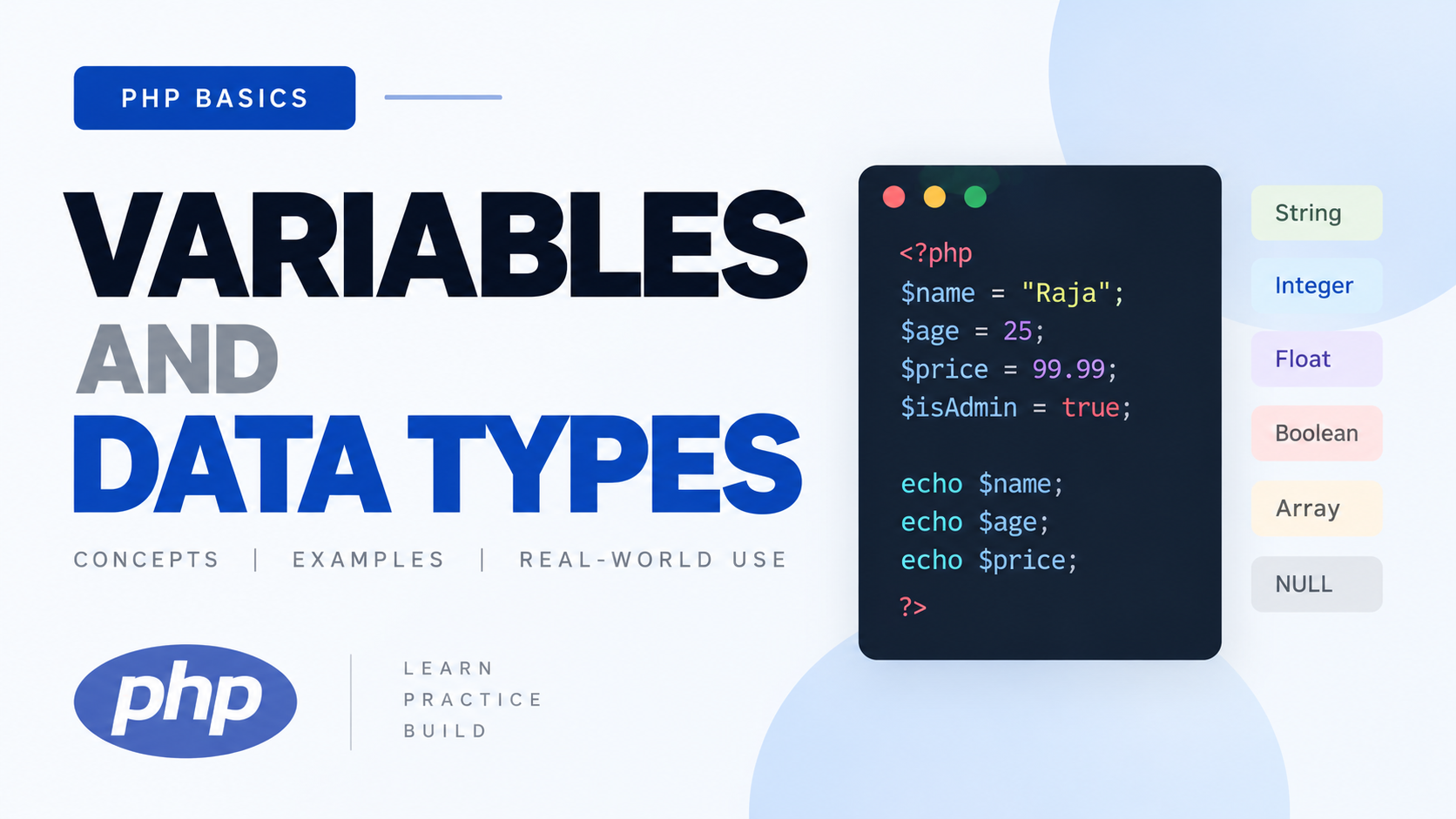
2.1 Variables
1. What Is It?
A variable is a named container that holds a value in your program's memory, and whose value can change during execution — "vary," hence "variable."
2. Why Does It Exist?
Programs need to store, retrieve, and manipulate data as they run — a user's name, a shopping cart total, a login state. Without variables, you'd have to hardcode every value directly into your logic, which makes programs static and useless. Variables let the same code operate on different data each time it runs.
3. How Does It Work? (Conceptual Model)
Conceptually, when PHP executes this line:
PHP allocates a slot in memory
        ↓
PHP stores the string value "Raja" in that memory
        ↓
PHP creates an internal mapping:
the symbol name "name" → that memory location
        ↓
From now on, whenever you write $name, PHP looks up
that mapping and retrieves the current value stored there
4. Syntax — Symbol-by-Symbol Breakdown
| Symbol | Meaning |
|---|---|
| $ | Sigil marking this identifier as a variable. Every PHP variable must start with $ — this is non-negotiable syntax, unlike some languages where $ is optional or stylistic. |
| name | The variable's name (identifier). Must start with a letter or underscore, can be followed by letters, numbers, underscores. Cannot start with a digit. Case-sensitive: $name and $Name are two different variables. |
| = | The assignment operator. This is not mathematical equality — it means "take the value on the right, and store it into the variable on the left." Read it as "is assigned the value of," never as "equals." |
| "Raja" | A string literal — a fixed, literal value written directly in the code. |
| ; | Statement terminator (from Phase 1.3). |
5. Basic Example
Line-by-line: Each line creates a new variable and immediately assigns it a value. echo $name; reads the current value stored under the mapping "name" and sends it to output.
Variable Naming Rules (Concrete)
Naming convention: Modern PHP code overwhelmingly uses camelCase for variable names ($firstName, $totalPrice) rather than snake_case ($first_name), though you will see both in the wild — PHP itself is not strict about which you choose, but be consistent within a project. I will use camelCase throughout this course since it's the dominant modern convention (PSR-12 coding standard leans this way for variables, while function/class names have their own separate conventions we'll hit later).
6. Real-World Example
This is the actual shape of real logic: variables hold meaningful, named pieces of data that get combined and transformed.
7. Assignment vs Reassignment
Execution trace for the third line:
PHP evaluates the RIGHT side first:
   reads current $score (20) → computes 20 + 5 → 25
        ↓
PHP then assigns that result (25) to $score
        ↓
$score now holds 25 — old value (20) is gone
This "evaluate right side fully, then assign to left side" order is a rule you must internalize — it's why $x = $x + 1; is completely valid and not circular nonsense, despite looking like an equation that shouldn't make sense mathematically. This is exactly why = must never be read as "equals."
8. Dynamic Typing
You'll hear "PHP is dynamically typed." Let's unpack that fully:
- "Type" refers to what kind of data a value is — text (string), whole number (integer), decimal (float), true/false (boolean), etc. Full deep dive in section 2.3.
- "Dynamic" means the type of a variable is determined at runtime, based on the value currently assigned, not fixed in advance by a declaration.
- How PHP determines the type: it simply looks at the literal value you assign. "Raja" → PHP infers this is a string. 25 → PHP infers integer. The variable itself has no fixed type — only the value it currently holds has a type.
Compare to static typing: In a statically typed language (e.g., Java, C#), you must declare a variable's type up front, and it can never hold a different type afterward:
Advantages of dynamic typing: Faster to write quick scripts, more flexible, less ceremony for small programs.
Disadvantages: Bugs that a compiler would catch immediately in a static language (assigning the wrong type somewhere) can silently slip through in PHP and only surface at runtime — sometimes far from where the actual mistake was made. This is exactly why modern PHP gives you optional static-typing tools (type declarations, strict_types) which we cover in 2.3 and 2.6 — PHP lets you choose the safety level per project.
9. Variable Scope — Introduction
(Full depth comes in Phase 6.2 with functions)
10. Common Mistakes
11. Wrong vs Correct Code
Naming isn't cosmetic — six months from now, $x tells you nothing, $fullName tells you everything without needing a comment.
12. Edge Cases
2.2 Constants
1. What Is It?
A constant is a named value that, once defined, cannot be changed for the rest of the script's execution.
2. Why Does It Exist?
Some values genuinely should never change during a program's run — a tax rate, an API base URL, a maximum allowed file size, the value of π. Using a variable for these permits accidental reassignment somewhere in a large codebase, silently corrupting logic. A constant makes that mistake impossible — the engine itself will refuse to let it change.
3 / 4. Syntax — Two Ways
5. Basic Example
Note the absence of $ — constants are not variables and are never referenced with the $ sigil.
Comparison: define() vs const
| define() | const | |
|---|---|---|
| Evaluated | At runtime, when that line executes | At compile time, before the script even starts running |
| Can be used conditionally | Yes — inside an if, loop, function, etc. | No — must be at the top level of a file, or inside a class (as a class constant, which we'll meet in OOP later). Cannot be inside an if/function body. |
| Naming convention | Traditionally UPPER_SNAKE_CASE | Traditionally UPPER_SNAKE_CASE |
| Namespacing awareness | Function call — normal scoping rules | Language construct — slightly different resolution rules in namespaced code (advanced, not now) |
8. When to Use Which
- Use const for simple, fixed, known-at-write-time values — the overwhelmingly common modern case. It's slightly faster (no function call overhead) and clearly communicates "this is fixed, always, no exceptions."
- Use define() only when the constant's value genuinely needs to be computed or decided conditionally at runtime (rare for beginners).
9. When NOT to Use Constants
Don't use a constant for anything that legitimately needs to change during execution — a running total, a user's current state, form input. That's exactly what variables are for. Reaching for a constant "because it sounds official" is a beginner overcorrection — constants are for truly fixed values only.
10. Common Mistakes
2.3 Data Types
1. What Is It?
A data type categorizes what kind of value something is, which determines what operations are valid on it and how PHP stores/interprets it internally.
2. Why Does It Exist?
The computer needs to know: is this chunk of memory representing text, a whole number, a decimal, true/false? Multiplying two numbers makes sense; "multiplying" two pieces of text does not (at least not with *). Types exist so operations behave predictably and meaningfully.
3. PHP's Type System — How It Stores/Handles Types Conceptually
Internally, every PHP value is wrapped in a structure called a zval (Zend value) that carries both the actual data and a tag indicating its type. When you write $age = 25;, PHP creates a zval tagged as "integer" holding 25. When you later do $age = "twenty-five";, PHP doesn't "convert" the old zval — it creates a new zval tagged "string" and re-points $age's mapping to it. This is the literal mechanism behind "dynamic typing" from 2.1 — you don't need to memorize the word "zval," but understanding that each value inherently carries its own type tag, independent of the variable name, is the correct mental model.
PHP's Data Types — One at a Time
String
What it is: A sequence of characters — text.
Common use: Names, messages, any textual data.
Type checking:
- var_dump() shows the type and the value and, for strings, the byte-length (13 here — full depth in Phase 8).
- gettype() returns the type name as a plain string ("string") — useful for debugging/logging, rarely used for actual logic decisions.
- is_string() returns a boolean — this is what you actually use in real conditional logic (if (is_string($x)) { ... }).
Common mistake: Assuming a numeric-looking string ("25") behaves identically to an actual integer (25) in every context. It doesn't — full detail in 2.4 (Type Juggling).
Integer
What it is: A whole number, positive or negative, no decimal point.
How PHP stores it: A native integer type, bound by platform limits (on 64-bit systems, PHP integers can hold roughly ±9.2 quintillion before overflow — you won't hit this as a beginner, but know the limit exists).
Type checking:
Common mistake: Dividing two integers and assuming you always get an integer back.
Division in PHP always produces a float unless the division is exact and both operands were integers:
Float (a.k.a. "Double")
What it is: A number with a decimal point, representing fractional values.
Type checking:
Critical common mistake — floating point precision:
This is not a PHP bug — it's a fundamental property of how floating-point numbers are represented in binary across essentially every programming language on Earth. Binary floating-point cannot represent most decimal fractions exactly, so tiny rounding errors accumulate. Never compare floats with == for equality. For money specifically, the professional practice is to work in integer cents (or use a dedicated decimal/money library) rather than raw floats — I'll enforce this in any project involving prices later in the course.
Boolean
What it is: Exactly one of two values: true or false. Represents logical/binary states.
Type checking:
Common mistake: Assuming any non-boolean value can't act like a boolean — it absolutely can, via truthy/falsy conversion, which we formalize in 2.4 and again in Phase 4 (conditions).
Null
What it is: A special type with exactly one possible value: null, representing "no value" / "intentionally empty" / "not set."
Why it matters conceptually: null is not the same as 0, false, or "" (empty string) — even though all of those are "falsy" (2.4). null specifically means the absence of a value entirely, not "a value that happens to be empty/zero."
Type checking:
Real use case: representing "this field genuinely has no data yet" — e.g., a user hasn't set a profile picture: $profilePicture = null; — distinct from $profilePicture = "";, which would mean "we tried to store something and it came out empty," a subtly different meaning.
Array
What it is: An ordered collection that can hold multiple values under a single variable name, each accessible via a key (numeric or string).
We dedicate all of Phase 7 to arrays — for now, just register that this type exists and holds multiple values, unlike everything above which holds exactly one.
Object
What it is: An instance of a class — a structure that bundles data (properties) and behavior (methods) together.
We do not teach OOP in this course (per your curriculum, OOP is explicitly positioned as what comes after Phase 9). I'm only registering that this type exists in PHP's type system, because gettype() and var_dump() will report "object" if you ever encounter one (e.g., some built-in PHP functions return objects, like json_decode() by default in Phase 9.7) — you need to recognize the word, not build with it yet.
Resource
What it is: A special variable holding a reference to an external resource — historically, things like an open file handle or a database connection.
8. When Should I Use Which Type?
You don't really "choose" a type explicitly most of the time in PHP — the type emerges from the literal value or expression you write. What you do choose deliberately:
- Use null (not empty string, not 0, not false) specifically to mean "no value exists yet."
- Use integers for counts, IDs, whole quantities.
- Use floats only when fractional precision is genuinely needed, and never for money without extra care (as flagged above).
- Use booleans for genuine yes/no, on/off, true/false states — not 1/0 integers pretending to be booleans (a very common bad-habit holdover from older/other languages).
10. Common Mistakes (Types, Overall)
This single mistake — treating a numeric string as if it were guaranteed to behave like a number — is the seed of section 2.4, which exists specifically because PHP tries to be "helpful" about this and sometimes surprises you.
2.4 Type Juggling
1. What Is It?
Type juggling (also called implicit type conversion or type coercion) is PHP automatically converting a value from one type to another without you explicitly asking it to, based on the context the value is used in.
2. Why Does It Exist?
PHP was designed to be forgiving and convenient for quick web scripting — rather than throwing an error every time you mix types in an operation (like a strict language would), PHP tries to figure out a "sensible" conversion and proceed. This reduces friction for simple scripts but is a double-edged sword, which is exactly why this section exists — you need to know precisely when and how this happens so it never surprises you in a bug report at 2am.
3. How It Works — Rules Per Context
Boolean Conversion (Truthy/Falsy) — The Most Important One
Every PHP value, when evaluated in a boolean context (like an if condition), converts to true or false according to fixed rules. These are the only values that convert to false ("falsy") — memorize this exact list, it's short and complete:
Everything else in PHP is truthy, including:
Numeric Strings
PHP recognizes strings that "look like" valid numbers and can convert them in numeric contexts:
String Conversion
Null Conversion
12. Edge Cases — The Classic Surprising Examples
13. Related Concepts
This directly sets up Phase 3 (Operators), specifically == vs ===, which exists because of everything you just learned in this section.
2.5 Type Casting
1. What Is It?
Type casting is explicitly, deliberately converting a value from one type to another, using a cast operator — as opposed to type juggling, which happens implicitly without you asking.
2. Why Does It Exist?
Sometimes you want controlled, predictable conversion rather than relying on PHP's implicit context-dependent juggling rules. Casting makes your intent explicit in the code itself — anyone reading it immediately knows "this value is being deliberately converted here," rather than having to reason about implicit context rules.
4. Syntax
5. Basic Example
6. Real-World Example
Form input from $_POST (Phase 9) always arrives as strings, even if the user typed a number:
This is genuinely important, professional practice — never trust raw superglobal input's implicit type; cast deliberately.
8. When Should I Use It?
- When receiving external input (form data, file contents, API responses) that arrives as strings but represents a different logical type.
- When you need to guarantee a specific type before an operation, rather than hoping type juggling does the "right" thing.
9. When Should I NOT Use It — Dangers
This is a real danger zone — casting a float-like string to int truncates, it does not round. If you need rounding, use round() first, then cast:
11. Wrong vs Correct Code
2.6 Strict Typing
1. What Is It?
declare(strict_types=1); is a directive placed at the very top of a PHP file that changes how PHP enforces type declarations on function parameters and return types (a feature we formally cover in Phase 6, but the directive itself belongs here per your curriculum ordering).
2. Why Does It Exist?
By default ("coercive mode"), if a function declares it expects an int parameter but you pass a numeric string like "5", PHP will silently juggle "5" into 5 and let the call proceed. This reintroduces exactly the implicit-conversion danger from 2.4, now at the function-boundary level. strict_types exists to let you opt out of that leniency entirely, for a given file.
3. How It Works
Without declare(strict_types=1) (default coercive mode):
4. Important Nuance
- declare(strict_types=1) must be the very first statement in the file (only preceded by the opening <?php tag and optionally a comment).
- It only affects that specific file — it is not global, not inherited by files that include/require it (Phase 6/9 territory). Each file that wants strict mode must declare it itself.
- It affects scalar type declarations (int, float, string, bool) on function parameters/returns specifically. It does not prevent normal type juggling elsewhere in your code (e.g., "5" + 3 still works fine everywhere outside typed function signatures).
- One exception even in strict mode: an int can still be passed where a float is expected (widening is allowed, since no data is lost) — but not the reverse.
8. When Should I Use It?
9. When Should I NOT Use It
Rare, but: if you're working in a legacy codebase that relies heavily on loose type coercion throughout (e.g., a lot of old code passing numeric strings around expecting silent conversion), turning on strict_types file-by-file without auditing call sites first can break things. As a beginner writing new code, this caveat barely applies to you — default to using it.
16. Interview Questions (for This Whole Phase)
I'll hold the full interview question set until after your exercises, so they're grounded in what you've actually attempted rather than abstract recall — you'll see the first real batch after we review Phase 2 exercises together.
Practical Exercises — Phase 2
Attempt all of these yourself. Don't peek at solutions. Post your code back to me.
Exercise 1 — Variables
Create variables for: your name (string), your age (int), your height in meters (float), and whether you're currently learning PHP (bool). Print all four using echo, each on its own line, in a readable sentence format (e.g., "My name is X and I am Y years old...").
Exercise 2 — Constants
Define a constant PI using const with value 3.14159. Write a variable $radius = 5; and calculate the area of a circle (PI * radius * radius), storing it in a variable, then echo the result.
Exercise 3 — Type Checking
Create five variables, one of each type: string, int, float, bool, null. For each one, use var_dump() to print it, then on the next line use the correct is_*() function to confirm its type and echo "true" or "false" based on that check.
Exercise 4 — Predict Before Running (Type Juggling)
Without running the code, write down what you think each line outputs, then run it and compare:
Exercise 5 — Casting
Take the string "123.75". Cast it to an int and print it. Then use round() on the original string cast to float first, then cast that result to int, and print it. Explain in a comment why the two results differ.
Exercise 6 — Strict Types Challenge
Write a file with declare(strict_types=1); at the top, containing this function (don't worry about the function syntax being new — just copy it exactly for this exercise, we formally cover functions in Phase 6):
Call it once with an actual integer, and once with the string "4". Predict what happens in each case before running it, then run it and confirm.

Comments (0)
Leave a Comment